Hear or enlarge the content
Check message updates, image alternatives, captions, transcripts, contrast and reflow.
Practical, source-backed setup checks for mobile, desktop, permissions, notifications, sessions, voice and device switching in adult AI companion services.
A check records one task on one setup. It is not a certification, legal conclusion or promise that every person will have the same result.
Check message updates, image alternatives, captions, transcripts, contrast and reflow.
Use keyboard, sequential access and touch without traps or hidden focus.
Keep controls, costs, errors and fictional AI disclosures clear.
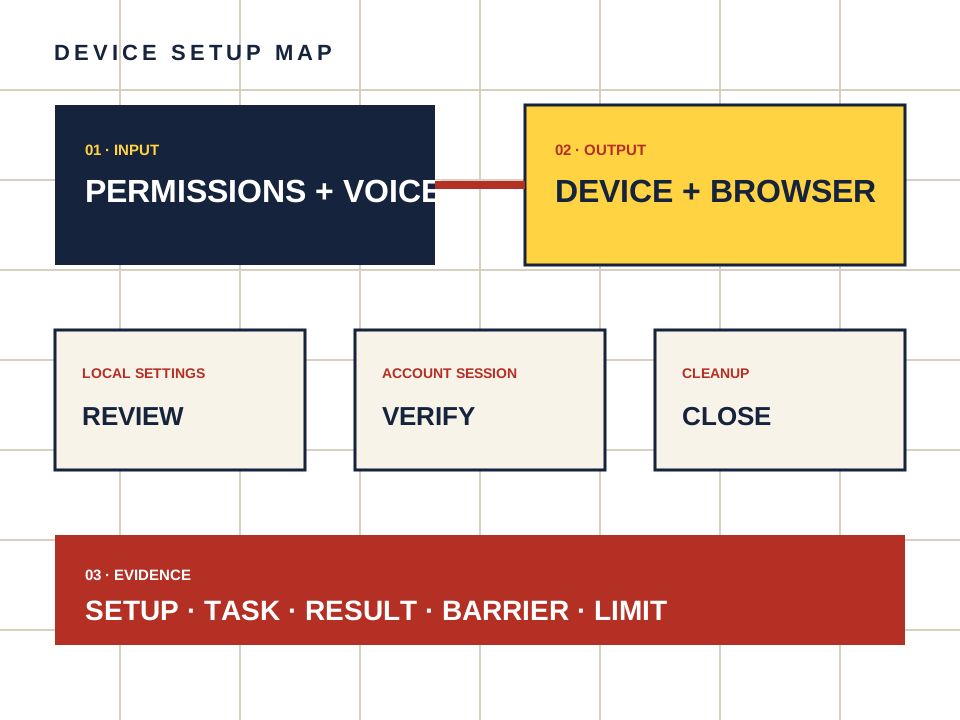
Name the device, access method, result, barrier, date and what was not checked.
These guides turn broad setup advice into small, repeatable checks. Unknown stays unknown, vendor statements stay labeled, and private chat data stays out of the evidence.
A source-backed walkthrough to use a repeatable AI companion device setup and verification method, with scoped permissions and explicit unknowns.
Open the checkA source-backed walkthrough to set up an AI companion on iPhone with minimal permissions, with scoped permissions and explicit unknowns.
Open the checkA source-backed walkthrough to set up an AI companion on Android with scoped app permissions, with scoped permissions and explicit unknowns.
Open the checkA source-backed walkthrough to set up an AI companion in a desktop browser, with scoped permissions and explicit unknowns.
Open the checkA source-backed walkthrough to check AI companion browser compatibility without guessing unsupported devices, with scoped permissions and explicit unknowns.
Open the checkA source-backed walkthrough to evaluate an AI companion add-to-home-screen or web-app install, with scoped permissions and explicit unknowns.
Open the checkA source-backed walkthrough to decide whether and when an AI companion needs camera access, with scoped permissions and explicit unknowns.
Open the checkA source-backed walkthrough to configure AI companion microphone access for voice features, with scoped permissions and explicit unknowns.
Open the checkA source-backed walkthrough to configure AI companion notifications without exposing message previews, with scoped permissions and explicit unknowns.
Open the checkA source-backed walkthrough to hide sensitive AI companion text from lock-screen previews, with scoped permissions and explicit unknowns.
Open the checkA source-backed walkthrough to limit AI companion photo and video library access, with scoped permissions and explicit unknowns.
Open the checkA source-backed walkthrough to find and clean up downloaded AI companion media on a device, with scoped permissions and explicit unknowns.
Open the checkA source-backed walkthrough to understand what private browsing does and does not hide from an AI companion service, with scoped permissions and explicit unknowns.
Open the checkA source-backed walkthrough to use an adult AI companion more privately on a shared device, with scoped permissions and explicit unknowns.
Open the checkA source-backed walkthrough to verify AI companion logout and session closure on one device, with scoped permissions and explicit unknowns.
Open the checkA source-backed walkthrough to inventory and close AI companion sessions across devices, with scoped permissions and explicit unknowns.
Open the checkA source-backed walkthrough to secure an AI companion account with a unique password and MFA when offered, with scoped permissions and explicit unknowns.
Open the checkA source-backed walkthrough to minimise AI companion account and content exposure on public networks, with scoped permissions and explicit unknowns.
Open the checkA source-backed walkthrough to check what AI companion content syncs between signed-in devices, with scoped permissions and explicit unknowns.
Open the checkA source-backed walkthrough to check export and retention options before changing AI companion devices, with scoped permissions and explicit unknowns.
Open the checkA source-backed walkthrough to move AI companion use to a new device without leaving avoidable traces on the old one, with scoped permissions and explicit unknowns.
Open the checkA source-backed walkthrough to troubleshoot AI companion voice when browser or OS permission is denied, with scoped permissions and explicit unknowns.
Open the checkA source-backed walkthrough to apply the independent device setup method to Candy AI public interfaces and claims, with scoped permissions and explicit unknowns.
Open the checkA source-backed walkthrough to record a dated AI companion device setup result, limitation, and unknown state, with scoped permissions and explicit unknowns.
Open the checkW3C and NIST help frame evidence. Independent chatbot guidance adds interface detail. None of them makes an unchecked service conformant.
Record the page, task, browser and access method. Leave out health details, credentials, payment data and private conversations.
Open the reporting guide